Troubleshooting Common Issues with AI Workflows
Troubleshooting Common Issues with AI Workflows
As artificial intelligence (AI) becomes increasingly integrated into business processes, understanding how to troubleshoot common issues with AI workflows is essential. Whether you are using AI to automate tasks, generate content, or enhance customer interactions, encountering challenges is inevitable. This article aims to provide practical solutions to common problems encountered in AI workflows, specifically focusing on tools like ChatGPT and Claude.
Understanding AI Workflow Components
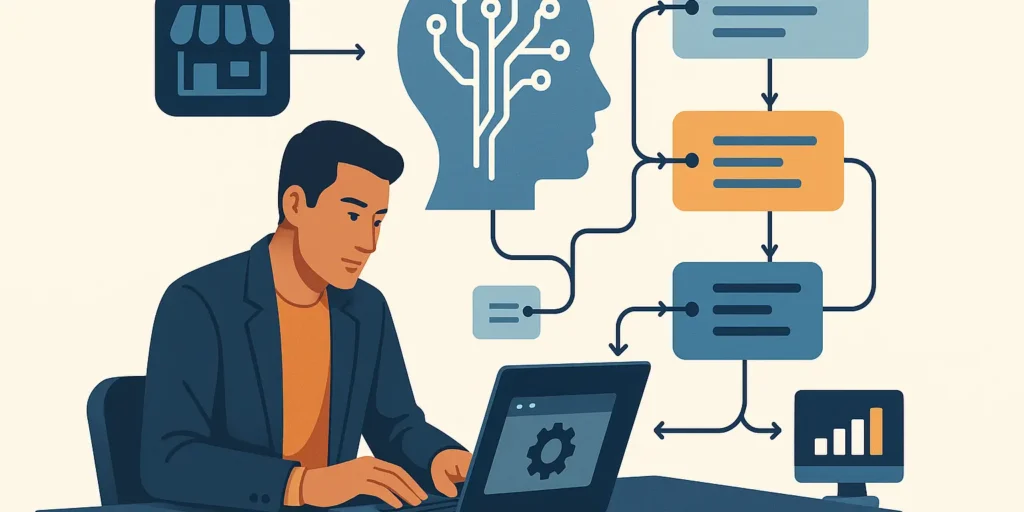
Before diving into troubleshooting, it’s important to understand the basic components of AI workflows:
- Data Input: The information fed into the AI system.
- AI Model: The algorithm that processes the input data.
- Output Generation: The response or result produced by the AI model.
- Feedback Loop: Mechanism for improving the AI model based on user feedback.
Common Issues and Their Solutions
1. Inaccurate Output
One of the most common issues with AI workflows is generating inaccurate or irrelevant output. This can stem from various factors, including poor data quality or insufficient training. Here are some solutions:
- Review Input Data: Ensure the data being fed into the AI model is clean and relevant.
- Adjust Model Parameters: Tweak the parameters of the AI model to better fit the specific use case.
- Provide Clear Instructions: Use well-defined prompts when interacting with AI models like ChatGPT.
2. Slow Response Time
Another frequent issue is slow response time, which can hinder productivity. This can be caused by server overload, inefficient code, or complex requests. To address this:
- Optimize Code: Review the code for inefficiencies and streamline processes.
- Limit Request Complexity: Break down complex requests into smaller, manageable tasks.
- Choose the Right AI Model: Select a model that can handle the expected workload efficiently.
3. Integration Challenges
Integrating AI workflows with existing systems can pose significant challenges. Integration issues often arise due to incompatible software or lack of proper APIs. Consider the following:
- Assess Compatibility: Ensure that your AI tools are compatible with your existing systems.
- Utilize APIs: Leverage APIs for seamless integration between applications.
- Engage Technical Support: Don’t hesitate to reach out to technical support for assistance with integration.
4. User Adoption Issues
Even the best AI tools can fail if users are not on board. Resistance to adopting new technology can stem from skepticism or lack of understanding. To foster user adoption:
- Provide Training: Offer training sessions to familiarize users with the AI tools.
- Showcase Benefits: Highlight the advantages of using AI workflows in everyday tasks.
- Encourage Feedback: Create a feedback mechanism to gather user insights and make improvements.
Best Practices for Smooth Operations
Implementing best practices can significantly reduce the frequency of issues in AI workflows. Here are some recommendations:
- Regularly Update Models: Keep your AI models updated to improve performance and accuracy.
- Monitor Performance: Regularly track the performance of AI workflows to identify potential problems early.
- Establish Clear Protocols: Create protocols for addressing common issues as they arise.
Conclusion
Troubleshooting common issues with AI workflows is crucial for maintaining efficiency and effectiveness. By understanding the components of AI workflows and implementing the solutions and best practices outlined in this article, you can overcome challenges related to inaccurate output, slow response times, integration difficulties, and user adoption. Remember, the key to a successful AI implementation lies in continuous improvement and adaptation.